Be the respondent.
Then be the PM.
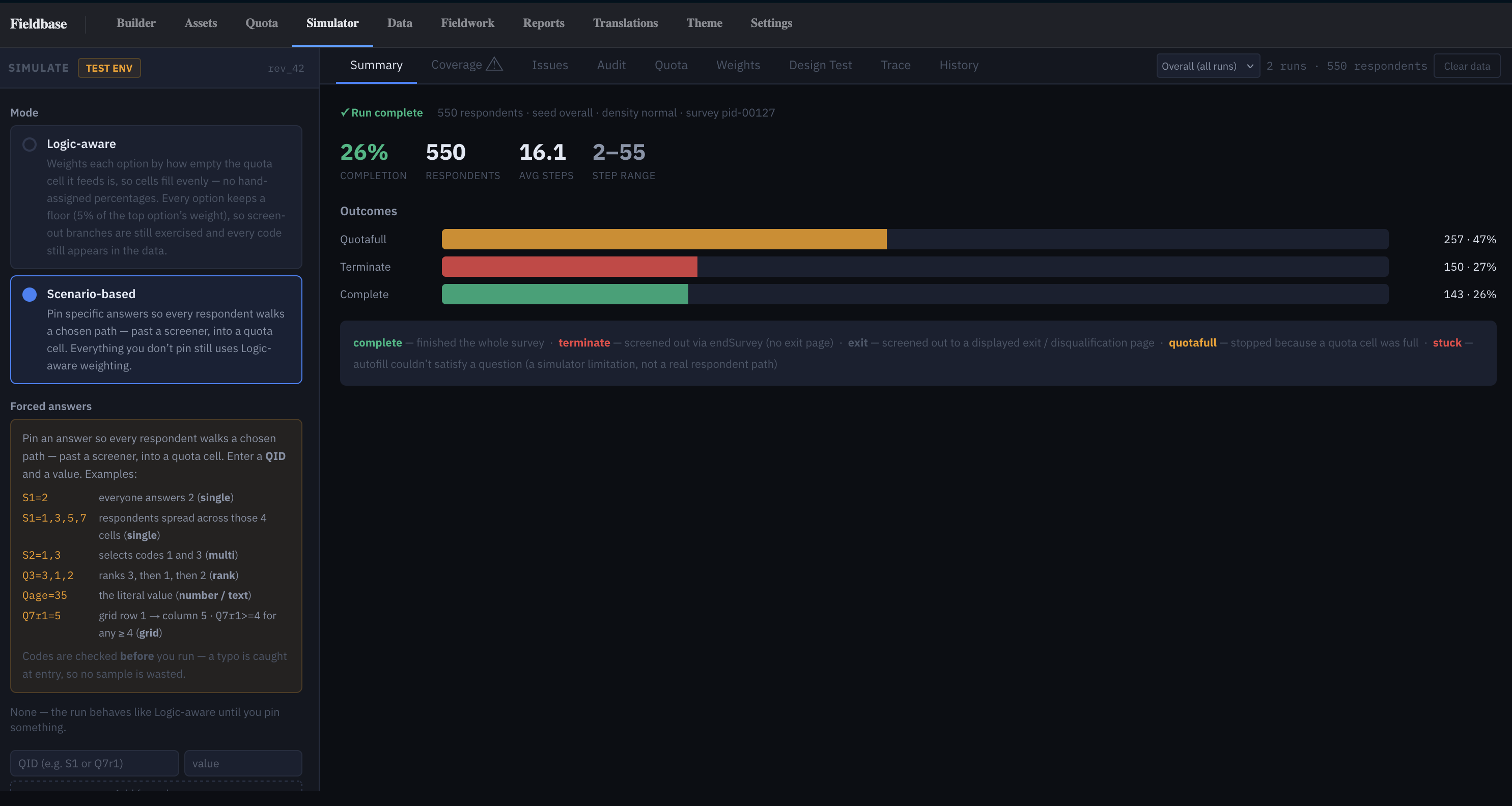
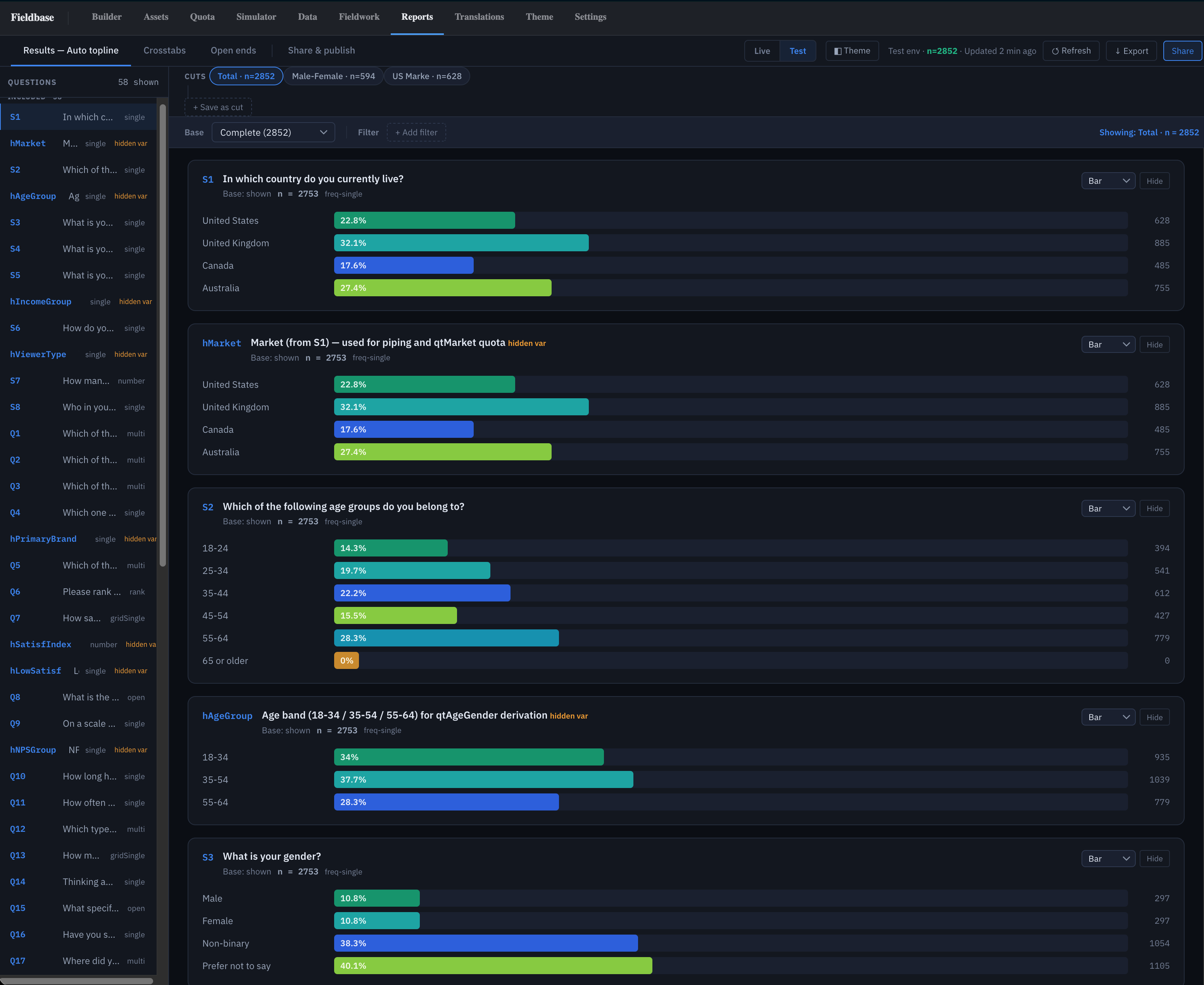
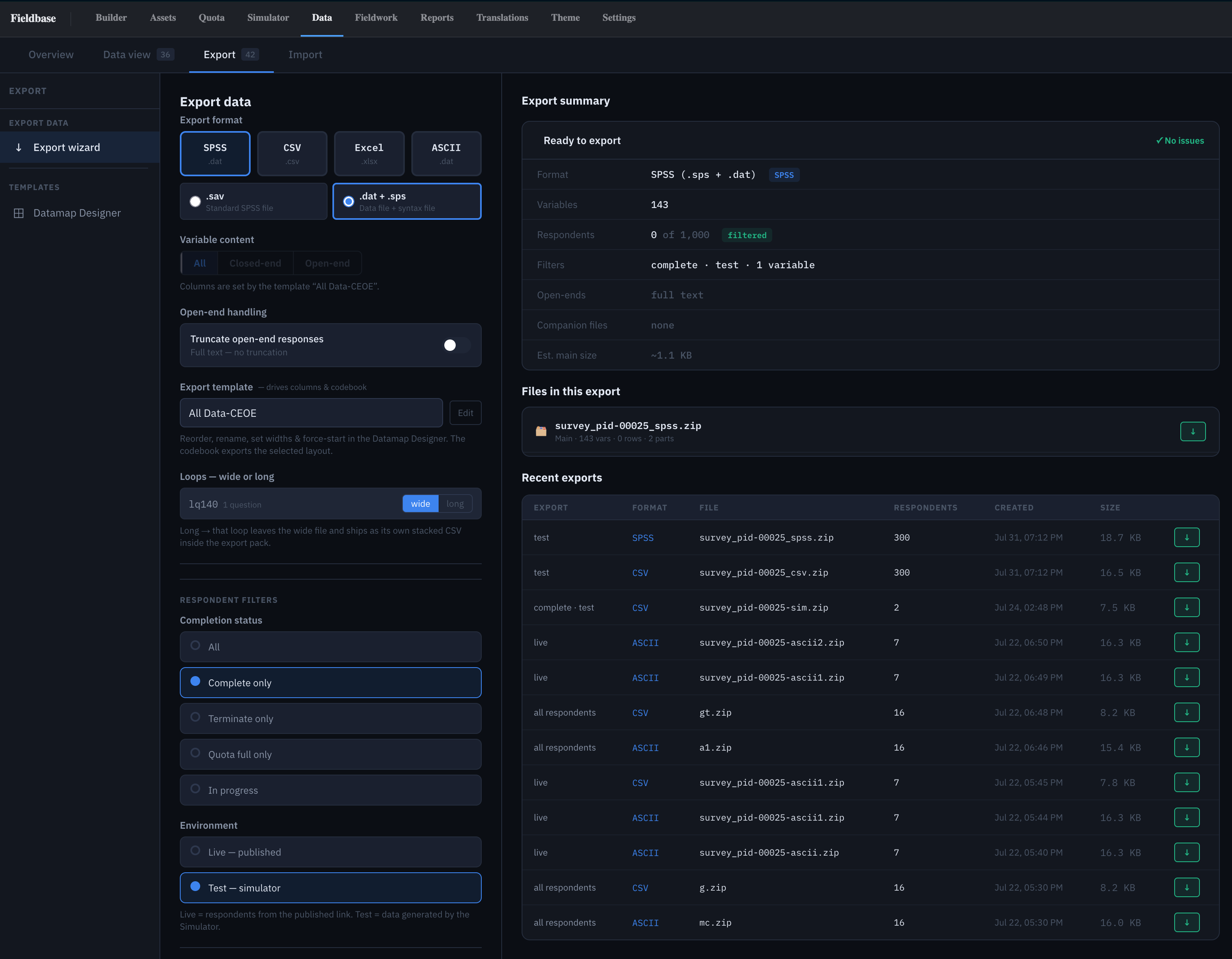
A five-minute survey that uses the parts of Fieldbase that are hard to show in a screenshot: a screen-out, a quota cell closing, a conjoint task. When you finish, the same project opens in test mode so you can see your answers in the topline and the export, next to a simulated run of the same survey.
Six parts, each one showing something.
Every section is there because it exercises a part of the engine you would otherwise have to take on trust.
- 01
Screener
Country, age and gender. Under-18s and one closed market terminate here, so you see a screen-out happen.
Shows: Routing and terminates - 02
Nested quota
Age by gender cells with small targets. Take it twice in the same group and the second run hits quota full.
Shows: Quota lock on completion - 03
Grid
A rating grid in one of the built-in skins, rendered for whatever device you are on.
Shows: Skins and mobile layout - 04
CBC task
Three product concepts and a None option, drawn from an uploaded design file.
Shows: Choice modelling in the survey - 05
MaxDiff set
Pick the most and least important of five items.
Shows: Best-worst scaling - 06
Open end
One free-text question, so the data file has a verbatim in it.
Shows: Open-end export
See your own answers from the other side.
The demo project opens in test mode after you complete. Test data stays separate from live data, as it does in every project.
We’ll send it the day it goes live.
Or skip the demo: send us one of your own questionnaires and we’ll come back with a Fieldbase draft of it.